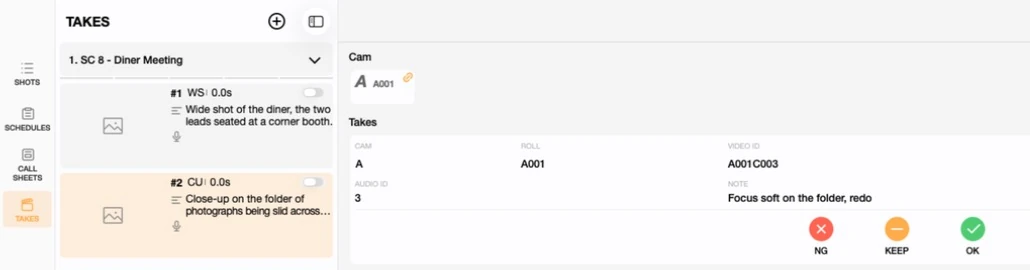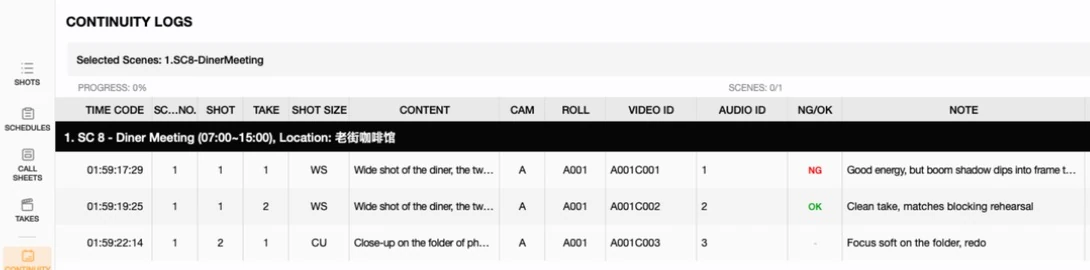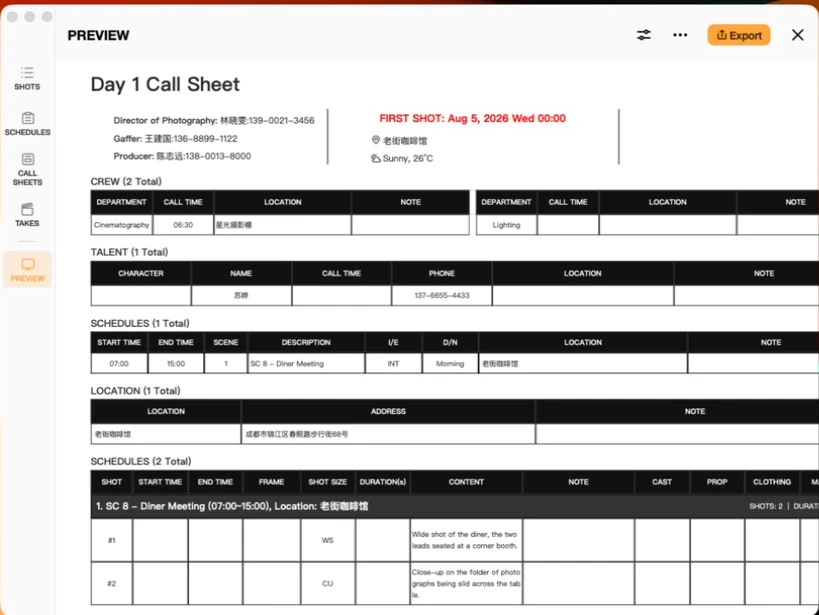

These two documents get treated as alternatives — pick a storyboard or pick a shot list — and that framing is what makes the choice confusing. They are not competing formats. A shot list is the plan, a storyboard is the picture of the plan, and most productions end up wanting both from the same set of shots. This tutorial sorts out the difference, answers where a scene sits in all this, and shows what a combined "shot list storyboard" actually looks like.
What is the difference between a storyboard and a shot list?
Short answer: a shot list describes each shot in words and structured fields; a storyboard shows each shot as an image. The shot list is what the crew works from — it schedules, it prices, it tells the DP which lens. The storyboard is what people look at to agree on what the shot will feel like.
| Shot list | Storyboard | |
|---|---|---|
| Form | Rows and fields | Panels and images |
| Answers | What, how big, what lens, how long | What it looks like |
| Read by | AD, DP, producer, editor | Director, client, art department |
| Cost of a change | Edit a cell | Redraw a panel |
| Can you shoot without it | Not really | Usually yes |
That last row is the practical one. Plenty of productions shoot with only a shot list. Very few shoot with only a storyboard, because a board does not carry duration, lens, equipment or order in a form anyone can schedule against.
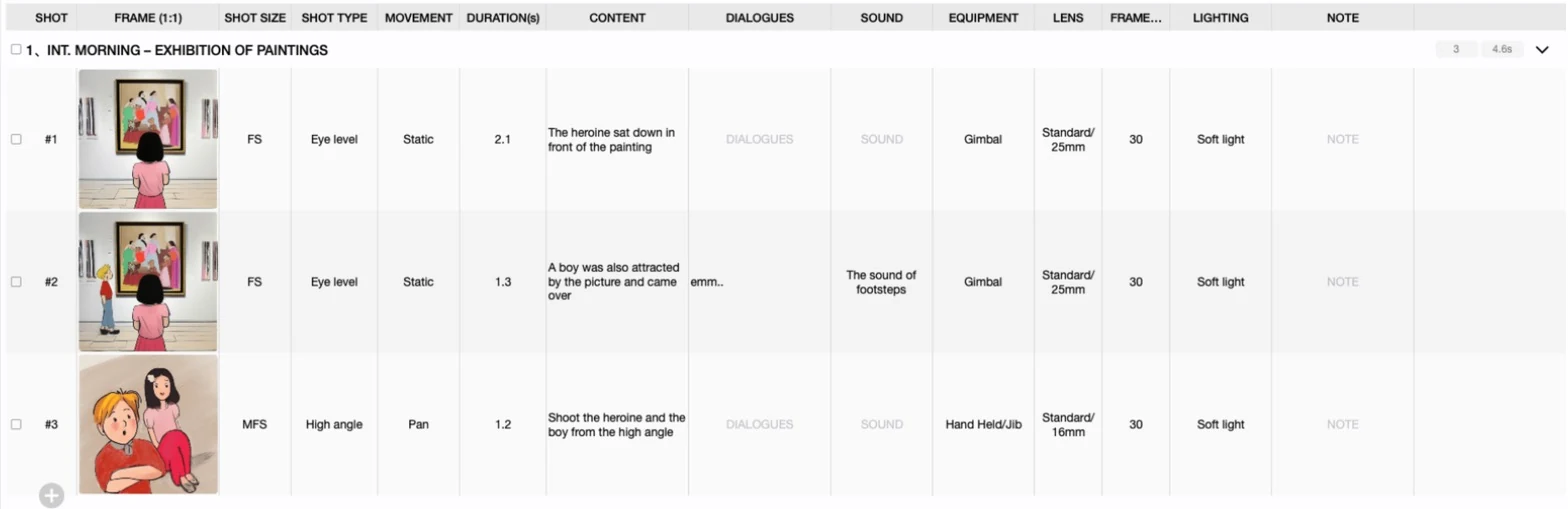
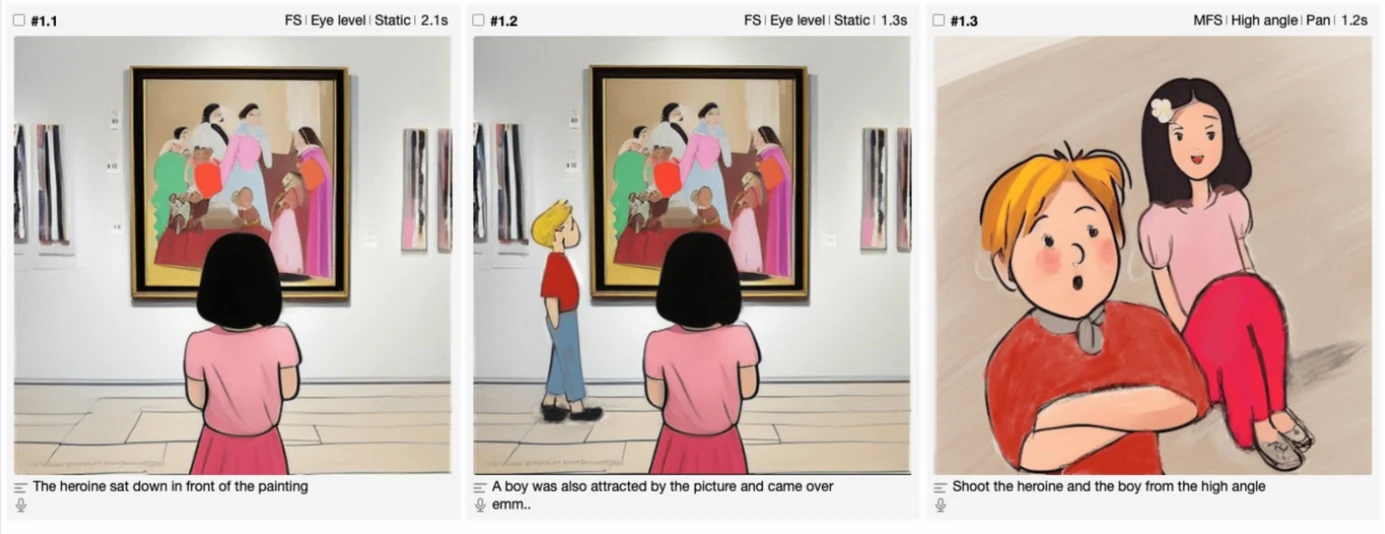
FS | Eye level | Static | 2.1s — the fields did not go anywhere, they are just presented differently.What is the difference between a scene and a shot in a storyboard?
Short answer: a scene is a unit of story — one location, one continuous piece of action. A shot is a unit of camera — one uninterrupted run of the camera. One scene almost always contains several shots, and that containment is exactly how storyboards and shot lists are organized.
Previs Shot models this literally. Shots live inside Sequences, which are your scenes. A sequence like "SC 8 - Diner Meeting" is a row group; the shots inside it are the rows. When you reorder shots you are working inside a scene; when you reorder scenes you are changing the shooting order of the whole day — which is a scheduling decision, not a coverage one.
This matters more than it sounds. "We're cutting a shot" and "we're cutting a scene" have very different consequences, and a document that blurs the two makes it easy to lose coverage without noticing.
What is a shot list storyboard, and can one document be both?
Short answer: yes — a "shot list storyboard" is a single set of shots displayed either way, and that is how Previs Shot works. There is one underlying list. The display mode decides whether you are looking at a table, a table with thumbnails, or a storyboard grid.
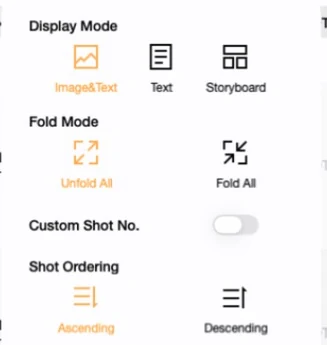
The third mode is worth knowing about on its own. Text drops the frame column entirely — the fastest way to block out a scene before any picture exists:

Keeping them as one record is not just tidiness. When a storyboard is a separate file — a PDF from an illustrator, a Keynote deck — it starts drifting the moment the shot list changes, and by the shoot day nobody is sure which document is current. Here the panel and the row are the same shot, so a field edit and its image stay attached.
Which one should you actually make?
- Always the shot list. It is what the schedule, the call sheet and the continuity log are built from. Start in text-only mode and get the coverage right.
- Storyboard the shots that need convincing. A client approval, a complex bit of blocking, a stunt, a VFX plate. Drawing every insert is where boards stop paying for themselves.
- Let the frame be rough. The FRAME editor exists to communicate an idea, and you can import a photo or a location reference instead of drawing — see Storyboard Basics.
If the reason you are asking is that boards are too slow to keep up with a moving shot list, that specific problem has its own tutorial: Previs Without a Previs Team.
Related reading: Shot List Basics for the SHOTS view field by field, Storyboard Basics for the FRAME editor and storyboard layout, and Shot Sizes and Shot Types for the vocabulary both documents use.