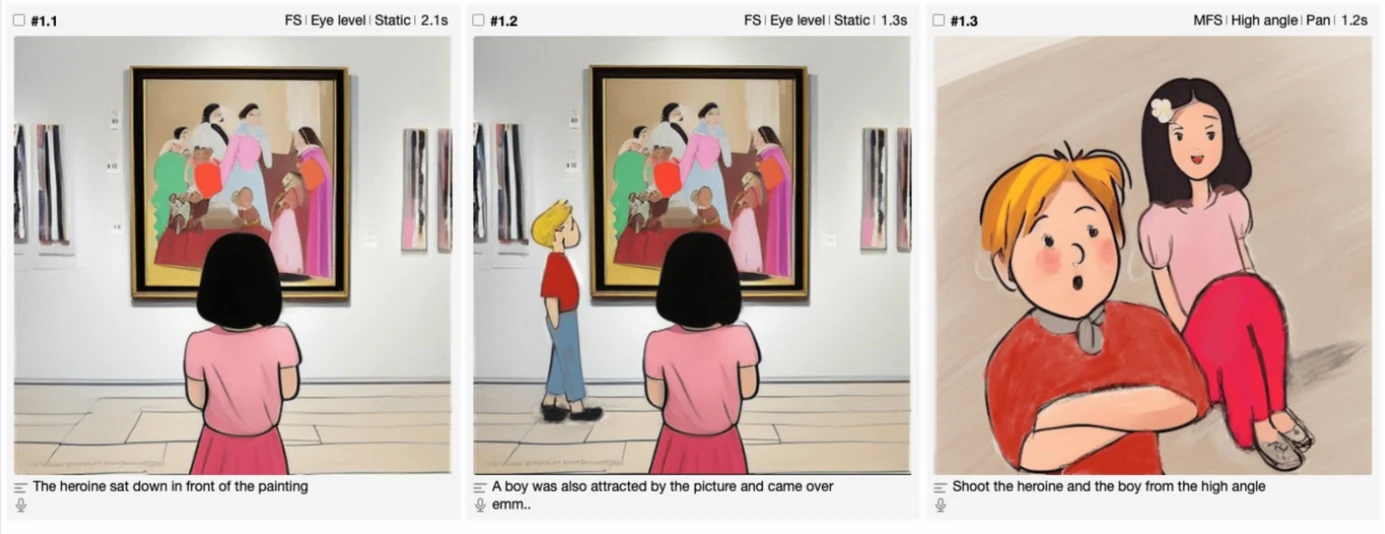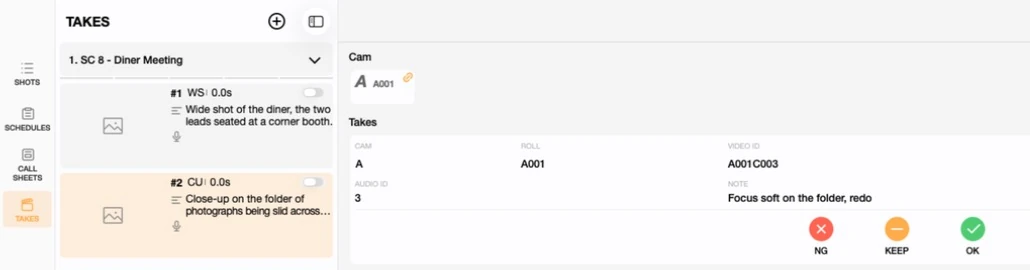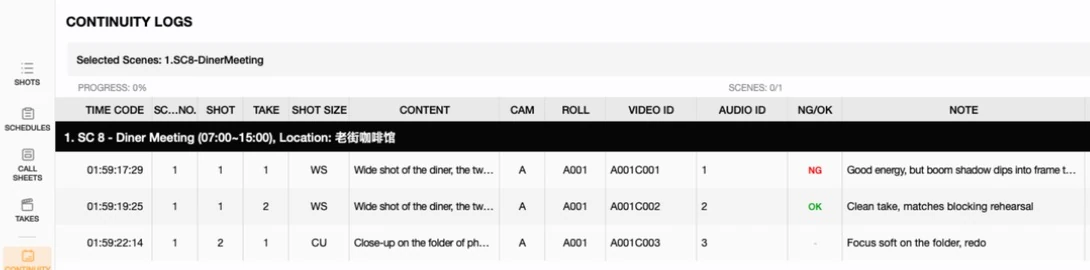

A script is written in scene order. A shoot never happens in scene order — it happens in whatever order saves the most time and money, usually grouped by location, cast availability, and time of day. That gap between "how the story reads" and "how it gets shot" is exactly what Previs Shot's SCHEDULES view exists to close. This tutorial covers what a shooting plan actually is, then shows you how to build one from a real shot list.
1. What Is a Shooting Plan?
A shooting plan (sometimes called a shooting schedule) takes the shots you've already planned in SHOTS and reorganizes them into shooting days — the order the crew will actually film in, grouped for efficiency rather than narrative sequence.
In Previs Shot, a schedule entry is the unit that carries a scene onto the shooting plan. It's a separate record from the storyboard scene it comes from — moving or editing a schedule entry never touches the original scene, and deleting an entry from the schedule never deletes the shots themselves. Each entry references a set of shots by ID and sits inside a numbered shooting day.
One-line definition: a shooting plan = your shot list, regrouped into shooting days by logistics instead of by story order.
Why Shooting Plans Matter
Almost every production shoots out of script order, for reasons that have nothing to do with storytelling:
- Location cost: every time the crew moves to a new location, you lose hours to strike, travel, and setup. Scenes that share a location get shot together, no matter how far apart they fall in the script.
- Cast availability: an actor booked for three days needs every one of their scenes scheduled inside that window, script order be damned.
- Time of day: a scene written as "night" needs to be shot at night (or with lighting that fakes it) — grouping all night scenes together avoids waiting for sunset twice.
- Equipment and crew: a scene needing a crane or a large group of extras is expensive to set up — batching those scenes together minimizes how many times you pay that cost.
Planning this in Previs Shot rather than a spreadsheet keeps the schedule connected to the actual shots — move a scene to a new day and every shot inside it, and everyone downstream on CALL SHEETS, moves with it.
2. Core Concepts
2.1 Schedule Entry vs. Storyboard Scene
These are two different records that happen to share the same content:
- Storyboard scene (in SHOTS): the creative unit — a scene with its shots, in script order, where you plan shot size, shot type, movement, and frame.
- Schedule entry (in SCHEDULES): the logistics unit — the same scene's shots, placed on a specific shooting day at a specific time, in shooting order.
Adding a scene to the schedule doesn't duplicate its shots — a schedule entry references the same shot records through their shot IDs, so a change to a shot's content in SHOTS is visible wherever that shot is scheduled.
2.2 Two Layers of Time
Previs Shot tracks time on a schedule entry at two levels, and it's worth keeping them straight:
- Entry time: the full time slot the whole entry occupies on a given date — for example "Aug 3, 08:00–10:00." This is what defines which shooting day an entry belongs to.
- Per-shot time: a plain clock time (like 08:30) for each individual shot inside the entry, saying when in that slot the shot itself is taken. This is optional — many teams only need the entry-level time and leave shots unscheduled within it.
3. Working with SCHEDULES in Previs Shot
3.1 Building the Shot List First
SCHEDULES always starts from SHOTS. Before scheduling anything, build your scenes and shots the normal way in the SHOTS view — script order, with shot size, shot type, and movement filled in as covered in the earlier tutorials in this series.
3.2 Adding Scenes to the Shooting Plan
Steps to place a scene onto the schedule:
- Open Previs Shot and go to the SCHEDULES view.
- Add a new schedule entry and give it a title, location, and INT/EXT — usually matching the scene it's built from.
- Assign the scene's shots into the entry.
- Set the entry's date and time slot. Entries that land on the same date are automatically grouped into the same shooting day.
Because a schedule entry is independent of the storyboard scene, you're free to split one scene across two shooting days, or combine shots from different scenes into a single entry, if that's what the logistics call for. The schedule should match how you're actually going to shoot, not necessarily mirror the storyboard one-to-one.
3.3 Grouping by Location, Not by Script Order
This is the entire point of a shooting plan: scenes that are far apart in the script but share a location or cast should land on the same shooting day, back to back, so the crew never packs up and returns to the same place twice.
3.4 Worked Example: a Two-Day Shooting Plan in Previs Shot
To build this tutorial, we created a demo project in Previs Shot named "Shooting Plan Basics Demo," with three scenes written in this script order:
| Script Order | Scene | Location | Time of Day |
|---|---|---|---|
| 1 | SC 02 - Diner Breakfast | Roadside Diner | Morning |
| 2 | SC 09 - Diner Argument | Roadside Diner | Night |
| 3 | SC 05 - Parking Lot Chase | Diner Parking Lot | Night |
Notice that SC 02 and SC 09 sit seven scenes apart in the script — but they share the same location. Here's that same shot list in the SHOTS view, in script order:
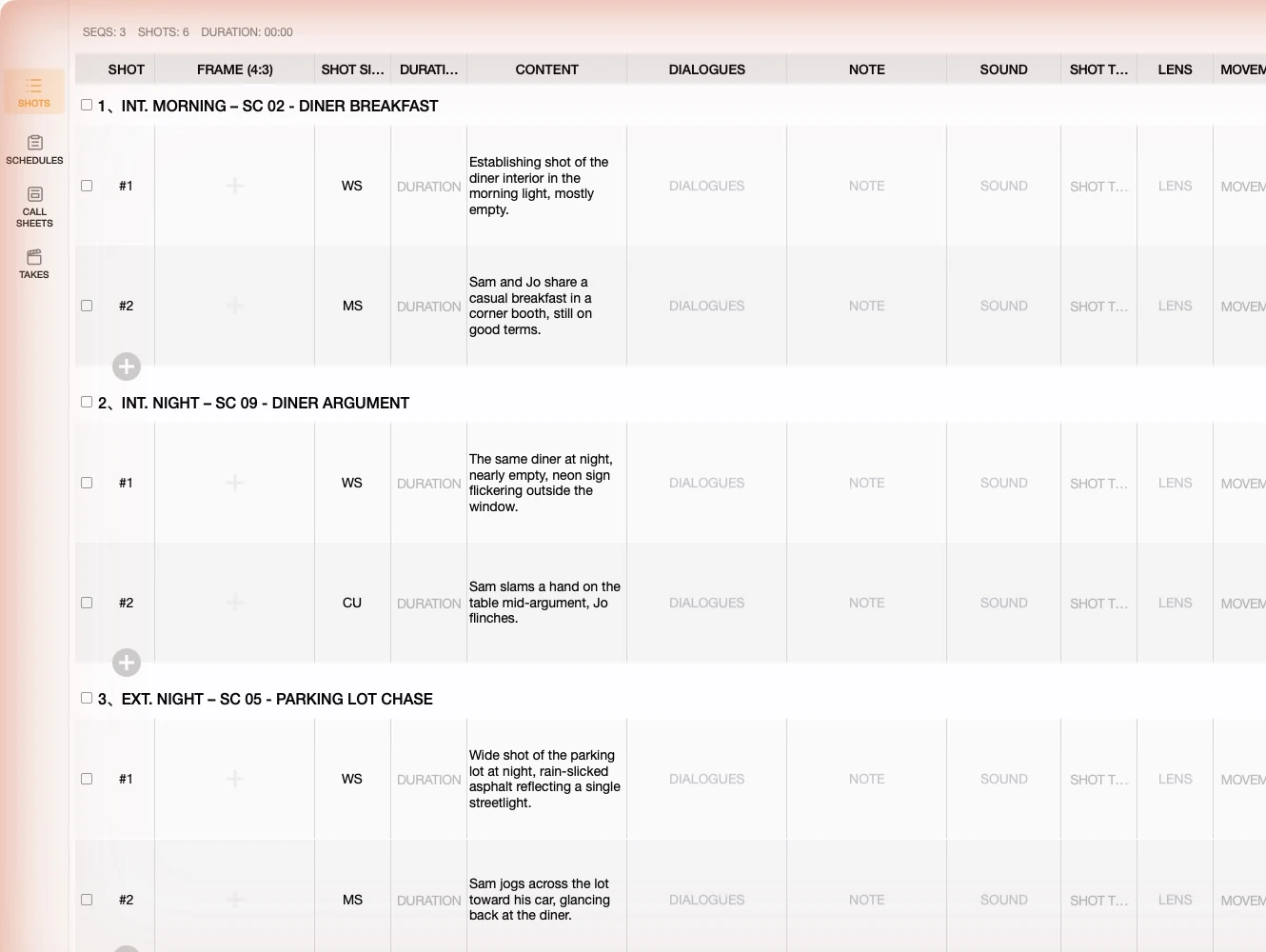
Rather than shoot them in that order — which would mean lighting the diner for a morning look, striking it, driving to the parking lot, then coming back at night to relight the same diner — we built a shooting plan that groups both diner scenes into a single day:
| Shooting Day | Entry | Location | Time Slot |
|---|---|---|---|
| Day 1 — Aug 3 | SC 02 - Diner Breakfast | Roadside Diner | 08:00–10:00 |
| Day 1 — Aug 3 | SC 09 - Diner Argument | Roadside Diner | 10:30–13:00 |
| Day 2 — Aug 4 | SC 05 - Parking Lot Chase | Diner Parking Lot | 19:00–22:00 |
Building this in Previs Shot, step by step:
- In the SCHEDULES view, create three entries — one per scene — with matching titles, locations, and INT/EXT.
- Assign each scene's shots into its entry.
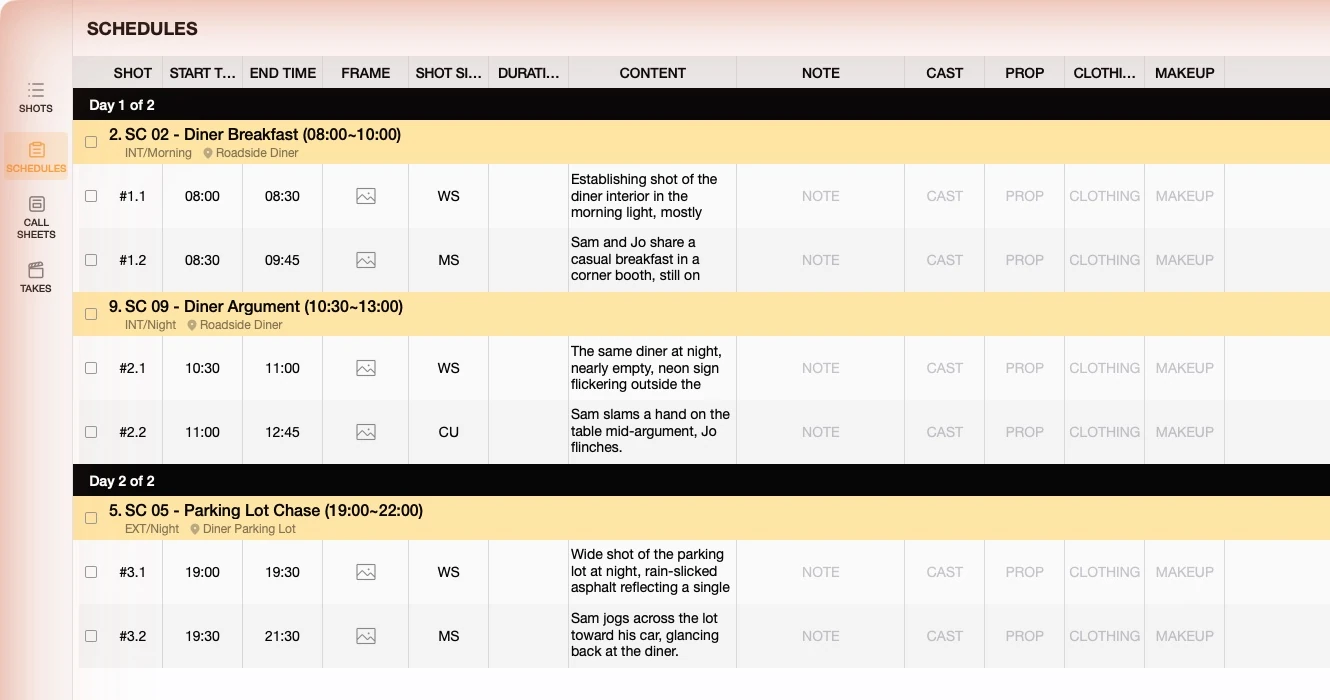
- Set SC 02 and SC 09 to time slots on the same date (Aug 3), one right after the other, since both are shot at the Roadside Diner. Set SC 05 to a different date (Aug 4) at the Diner Parking Lot.
- Within each entry, set a clock time for individual shots — for example, the establishing wide shot first, then the closer coverage — so the day's shot-by-shot order is clear on top of the entry-level slot.
- The result is grouped automatically into Day 1 of 2 and Day 2 of 2, in shooting order rather than script order.
Below is the actual result inside Previs Shot:
3.5 Fitting Into the Full Production Workflow
Building the shooting plan is the second step in Previs Shot's typical workflow:
SHOTS → SCHEDULES → CALL SHEETS → TAKES
- SHOTS: define shot size, shot type, movement, and frame for every shot, in story order.
- SCHEDULES: regroup those shots into shooting days by location, cast, and logistics — what this tutorial covers.
- CALL SHEETS: generate call sheets straight from each shooting day, so cast and crew know exactly where to be and when — covered in a later tutorial.
- TAKES: log each shot's takes on set once the day arrives.
Because a schedule entry stays linked to its shots, everything downstream — call sheets, take logs — reflects the shooting order automatically, without anyone having to re-enter scene details by hand.
4. Tips for Beginners
- Group by location first, cast second: location moves are usually the single biggest time cost on a shoot day — start there, then check that cast availability still works.
- Don't feel obligated to mirror the storyboard exactly: a schedule entry is independent of its scene, so split or combine scenes across days whenever the logistics ask for it.
- Leave buffer between entries on the same day: real setups run long — an entry's time slot should include realistic turnaround, not just camera-rolling time.
- Set per-shot times only when they help: for a simple day, the entry-level time slot may be enough. Save per-shot clock times for days with a lot of shots or a tight schedule.
- Revisit the plan as things change: cast, weather, and locations shift during prep — because entries reference live shots, updating the plan stays fast even late in the process.
This tutorial is part of the Previs Shot tutorial series. A shot list tells you what to shoot; a shooting plan tells you when and where — and getting that second part right is often what keeps a production on budget.