
A call sheet needs names, phone numbers and locations from somewhere — typing them in fresh on every shooting day gets old fast, and it's how call sheets drift out of sync with reality. Previs Shot keeps one shared address book behind every project: Departments, Contacts and Address. This tutorial covers what lives there and why filling it in once pays off on every call sheet you build afterward.
1. Shared, Not Per-Project
Departments, Contacts and Address sit under Me in the sidebar, separate from any single project. That's deliberate: your gaffer doesn't change between projects, so their contact card shouldn't have to be re-entered for each new shoot. Every project draws on the same three lists.
2. Departments — the Roles Your Crew Fills
Previs Shot ships with ten built-in departments — Production, Director, Cinematography, DIT, Art, Sound, Locations, Props, Lighting, Costume — each holding a handful of roles.
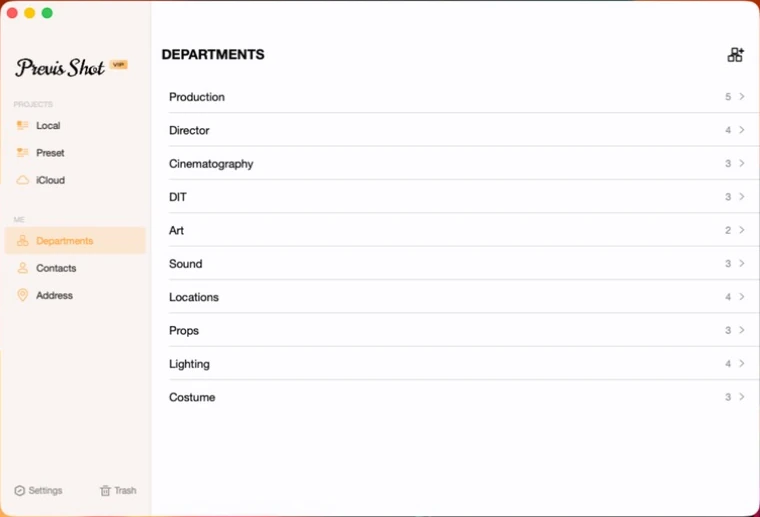
Tap into one and you'll find its roles — Cinematography, for example, holds Cinematographer, Director of Photography and Camera Assistant.
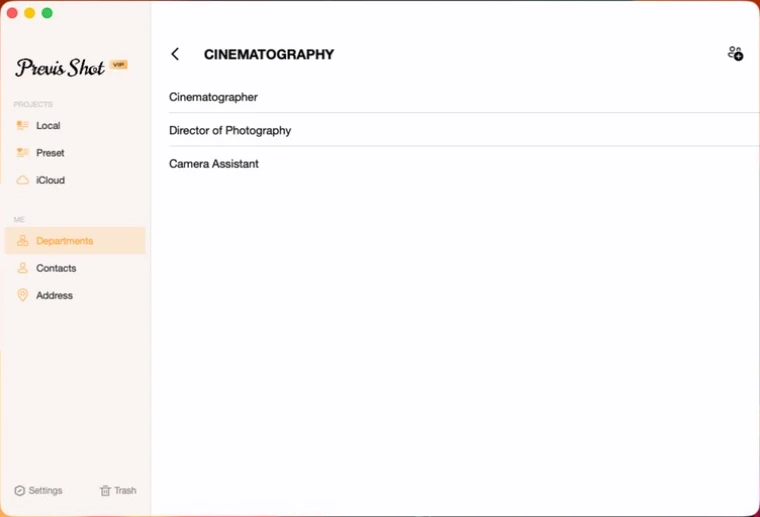
Built-in departments and roles can't be renamed (they're translated per UI language), but you can add your own department — a second unit, a stunt team, a client-side department — right alongside them, with its own custom roles.
3. Contacts — the People
A contact is a person: name, phone, email, an optional note, and a type — crew, talent, client or extra. A crew contact links to a department and role from the list above, which is what makes it show up correctly wherever call sheets pull from departments.
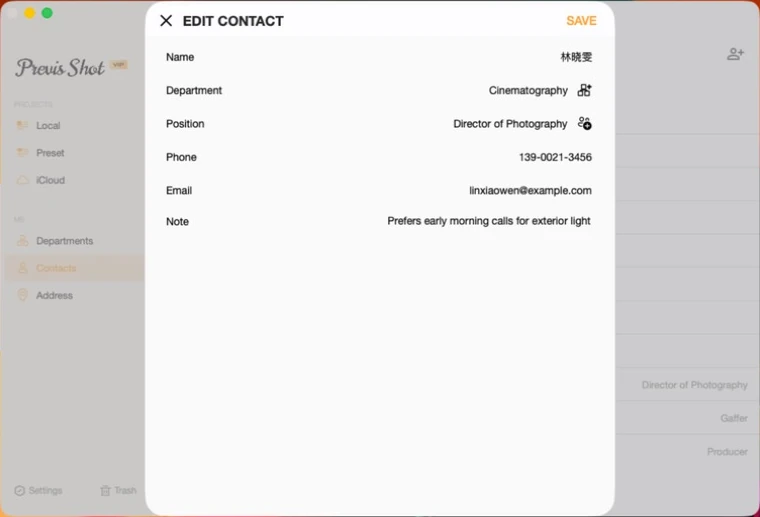
That link matters more than it looks: a contact's department and role can either point at the shared list by ID, or just be free text for someone outside your usual structure — never both at once. Linked contacts stay correct if you ever rename a department; free-text ones don't.
4. Address — the Places
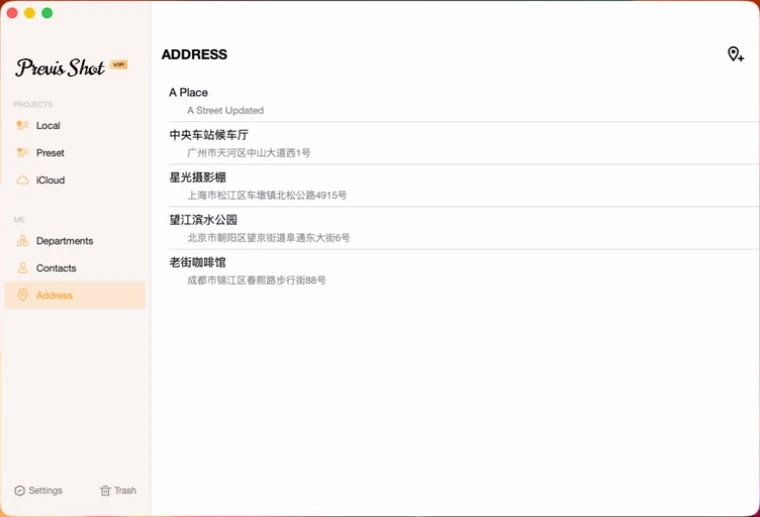
A saved address is a name, a physical address, and a note — a soundstage, a recurring exterior, a diner you're shooting in for one scene. Once it's here, it's available anywhere a project asks for a location: a scene's setting, a schedule entry, a call sheet's location row.
5. Why Bother Setting This Up First
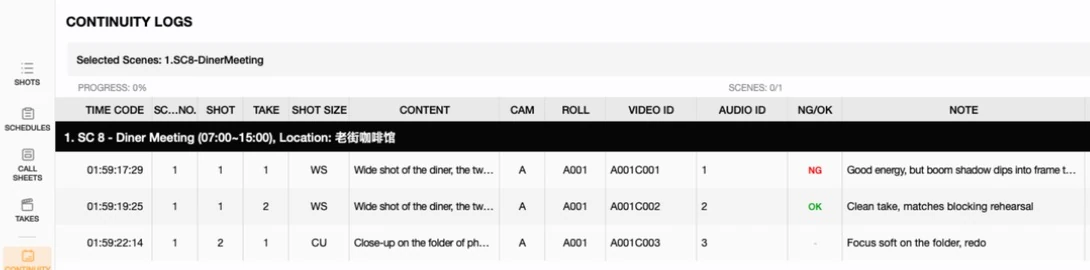
- It's what call sheets actually import. Our Call Sheets Basics tutorial covers Import Contacts and Import Crew in detail — both pull straight from this directory, and the import stays linked to it.
- Update once, correct everywhere. A crew member's phone number changing is a one-line edit here, not a hunt through every call sheet they've ever appeared on.
- Worth filling in before pre-production gets busy. Adding your regular collaborators and go-to locations early turns every future call sheet into an import-and-go job instead of a re-typing job.
This tutorial is part of the Previs Shot tutorial series. Once your directory is set up, Call Sheets Basics covers how a call sheet actually pulls from it.