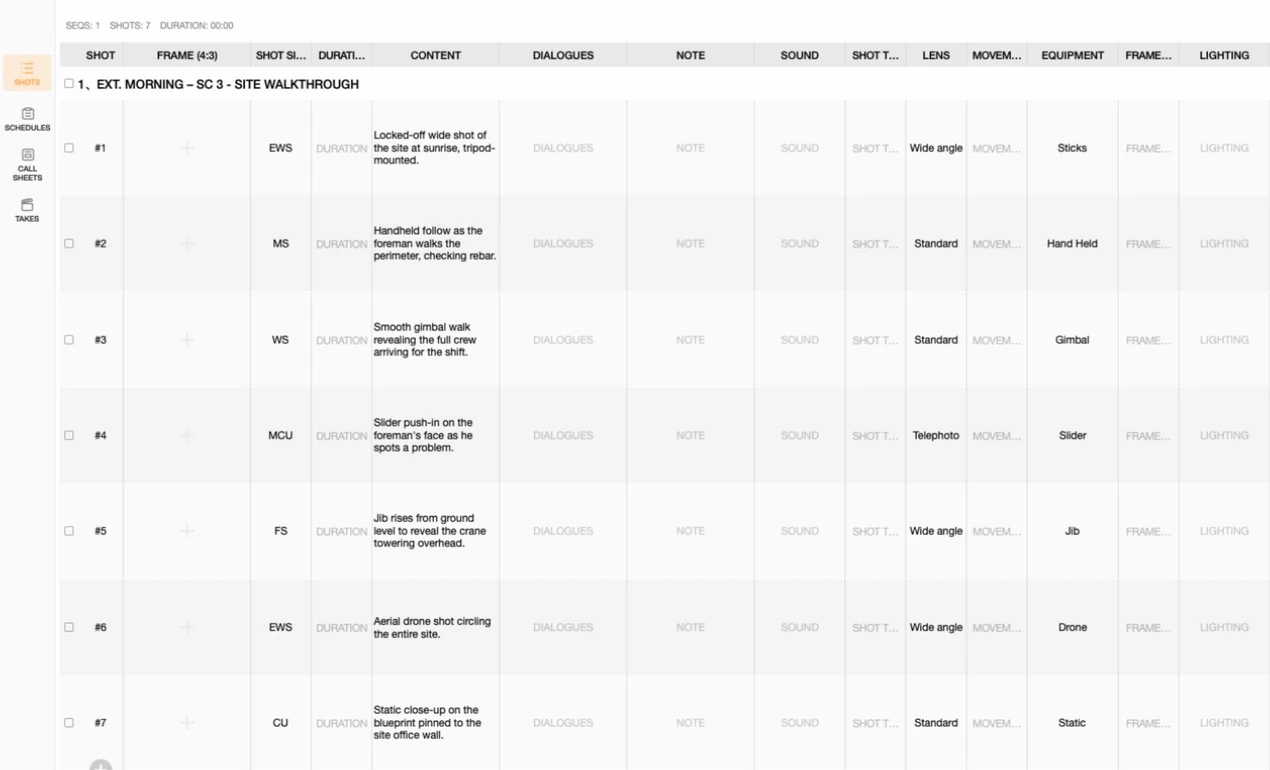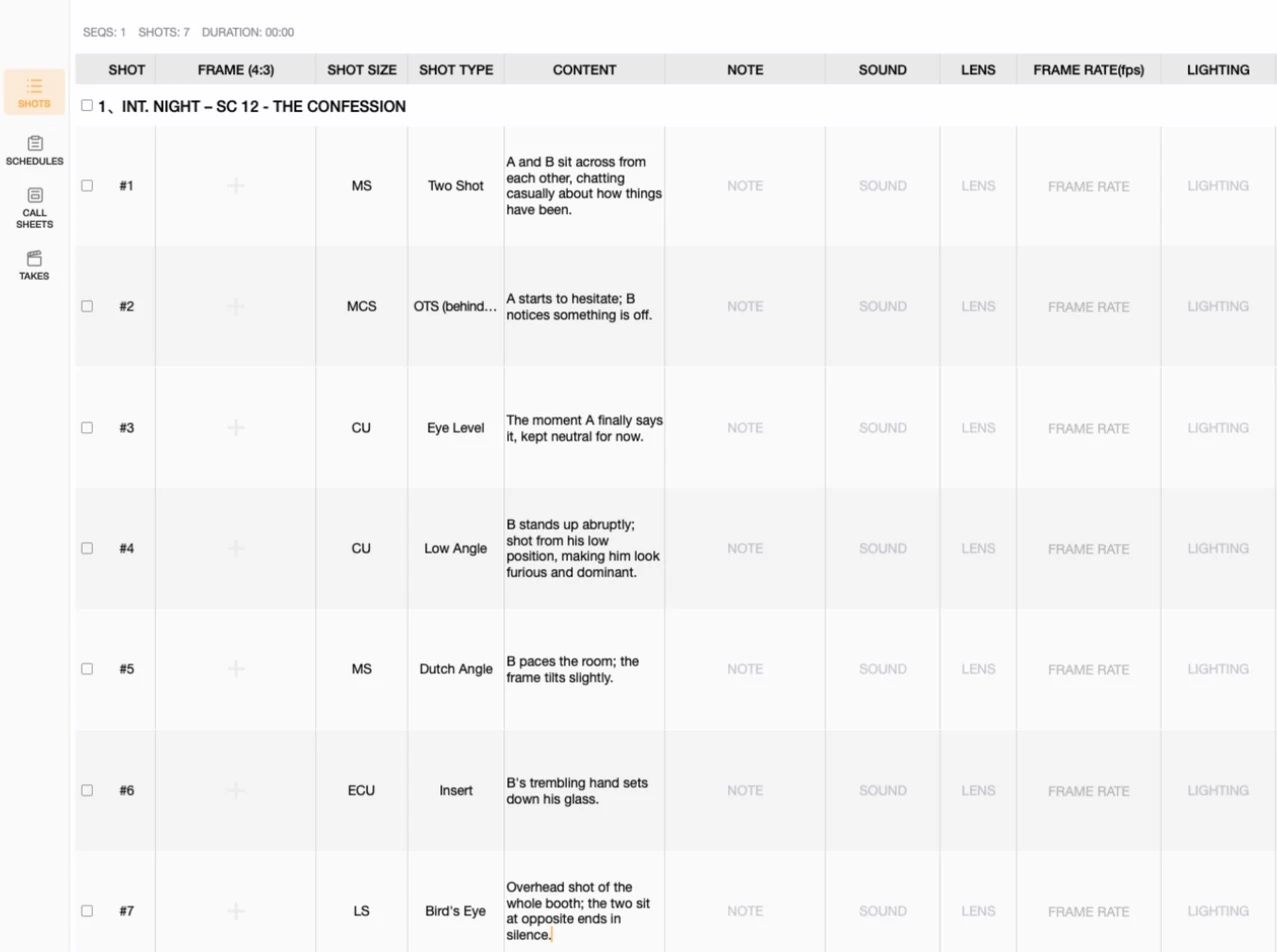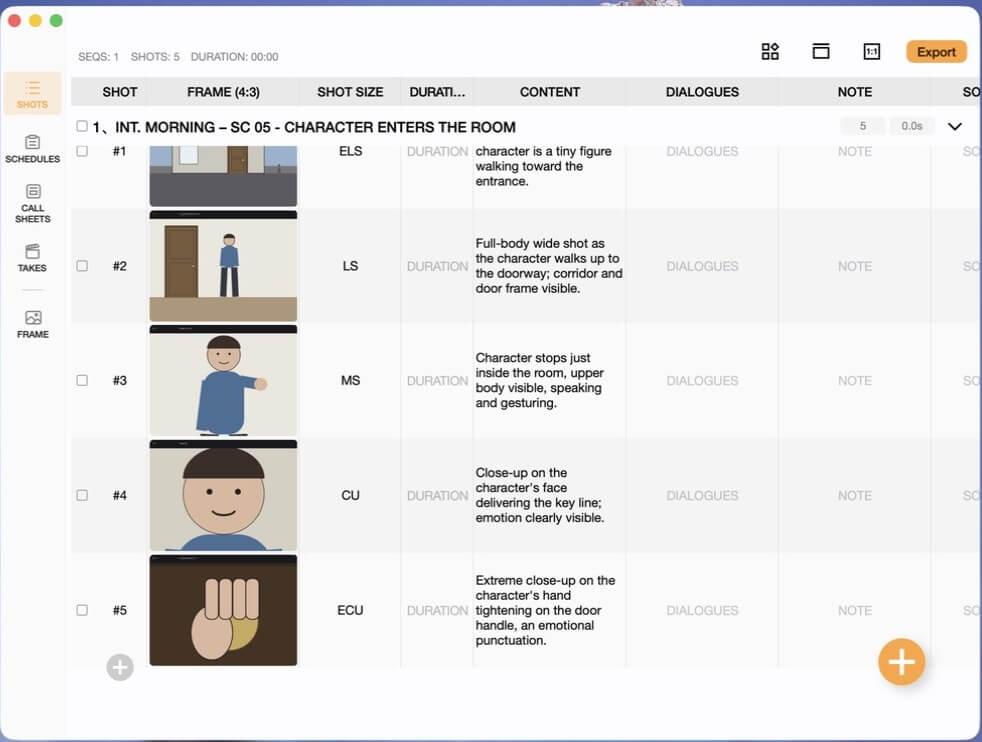

Shot size decides how much of the subject fills the frame, and shot type decides whose vantage point the camera stands at — but neither one tells you whether the camera is holding still or moving through space. That's the third axis: movement. This tutorial covers the seven camera movements every shot list needs, then shows you how to plan and track them inside Previs Shot's SHOTS view.
1. What Is Camera Movement?
Movement (sometimes called "camera dynamics") describes whether, and how, the camera itself travels during a shot — pushing closer, sweeping across a space, rising above it, or simply holding still. It's independent of shot size and shot type: the exact same close-up at eye level can be locked off and neutral, or it can push in and build tension, depending on movement alone.
Where shot size answers "how much" and shot type answers "from whose position," movement answers "does the camera's relationship to the scene change while we're watching, and how?"
One-line definition: Movement = whether the camera travels during the shot, and what that travel does to the audience's sense of space and momentum.
Why Movement Matters
Movement is often the last field a beginner fills in, but it's frequently the one viewers feel most directly:
- Setting pace: a static frame reads as patient or tense-in-stillness; a moving camera reads as urgent, alive, or unstable, depending on how it moves.
- Directing attention: a push-in or pan can lead the audience's eye to a detail before a cut ever happens.
- Signaling subjectivity: a handheld tracking shot glued to a running character puts the audience inside the chase; a static wide holds them at a clinical distance.
- Building or releasing tension: a slow dolly in on a face tightens a scene without a single cut; a boom up and away releases it.
Movement is also the field most tied to production cost and complexity — a static tripod shot and a crane shot are worlds apart in rigging, crew, and time. Planning it early in the SHOTS view isn't just a creative decision, it's a scheduling one.
2. Movement Categories, One by One
Previs Shot's MOVEMENT field ships with seven built-in options. To make comparison concrete, we'll use one running example throughout:
Example scene: a warehouse escape. Mia is hiding in an abandoned warehouse at night while two pursuers search for her. She has to decide whether to run, then make it to the exit before they close in. Let's see how each movement changes what the audience feels as the scene builds.
Note: some productions group "dolly," "truck," and "tracking" together under one umbrella ("moving shot") and specify direction separately. Previs Shot's seven options reflect common industry usage — treat them as a shared vocabulary for your team, and add notes for anything more specific (speed, rig, lens breathing, etc.).
1. Static
- Frame characteristics: the camera doesn't move at all — no pan, tilt, or travel. Everything that moves, moves inside the frame.
- Typical rig: locked-off tripod.
- Narrative role / emotion: neutral and observational by default; held long enough, stillness itself can build dread or suspense, since the audience knows what's off-frame can't be tracked.
- Example: the opening shot of the empty warehouse — stacked crates, a pool of light, dead silence. Nothing moves, and that's exactly the point.
- Typical uses: establishing shots, dialogue coverage, moments where you want the audience's attention on performance rather than camerawork.
2. Pan
- Frame characteristics: the camera rotates horizontally from a fixed position, like turning your head left or right.
- Typical rig: tripod head, gimbal head, or handheld pivot.
- Narrative role / emotion: reveals space progressively, connects two points of interest, or follows lateral motion without relocating the camera.
- Example: the camera pans across the stacked crates and pooled light, revealing Mia crouched behind a pillar, listening.
- Typical uses: revealing a character or object mid-shot, surveying a location, following a lateral action.
3. Tilt
- Frame characteristics: the camera rotates vertically from a fixed position — up or down — without changing where it stands.
- Typical rig: same as pan, just on the vertical axis.
- Narrative role / emotion: reveals scale (tilting up a tall structure) or connects two vertically separated points, such as feet and face.
- Example: the camera tilts up from Mia's feet to her tense, listening face as she hears footsteps approaching.
- Typical uses: character reveals, establishing height or scale, connecting a detail to a reaction.
4. Dolly
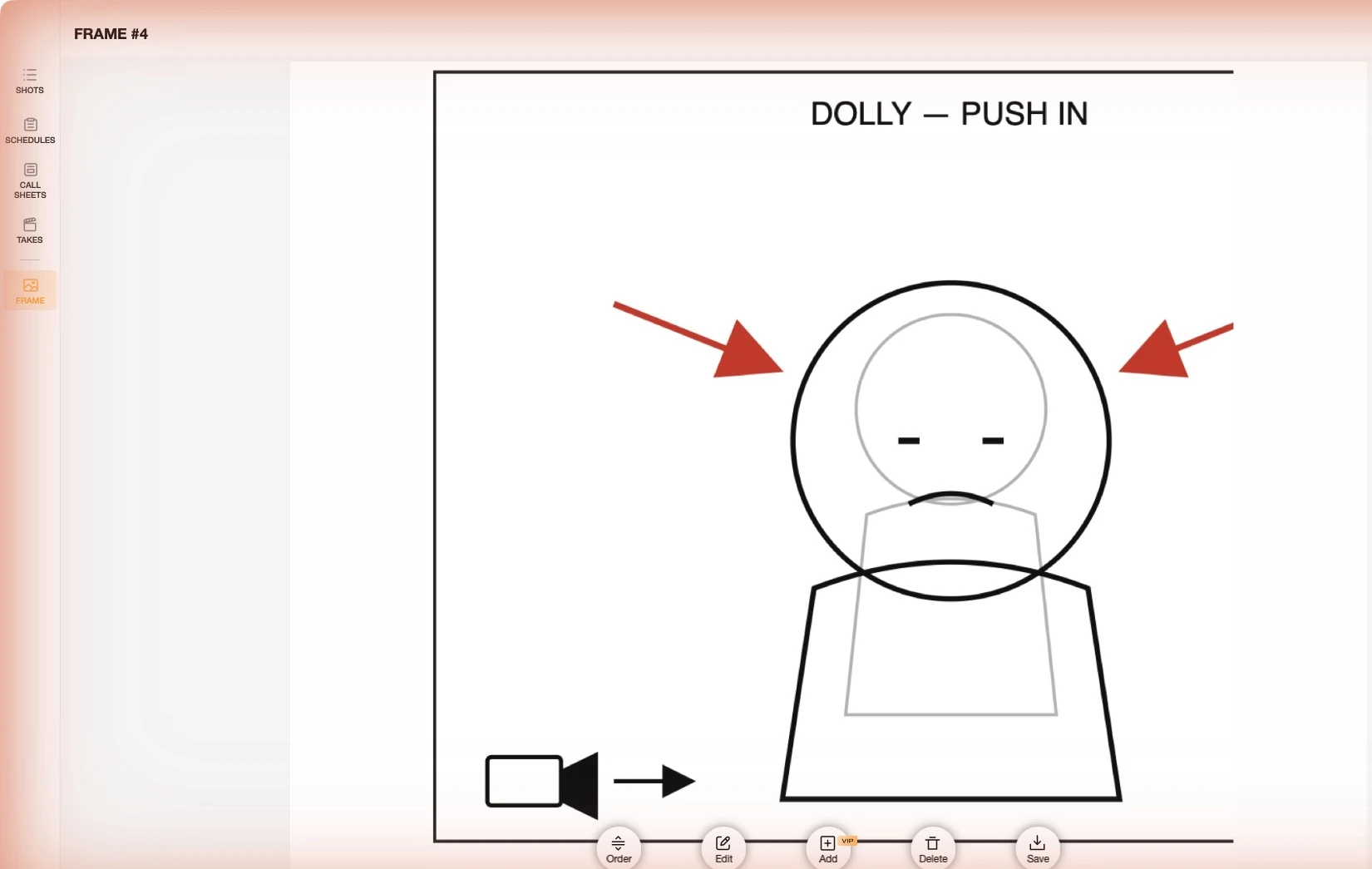
- Frame characteristics: the camera physically moves toward or away from the subject along its lens axis — a push-in or pull-out.
- Typical rig: dolly track, wheeled dolly, or a stabilized handheld push.
- Narrative role / emotion: a push-in tightens focus and raises intensity without a cut; a pull-out reveals context or creates distance and isolation.
- Example: the camera pushes in slowly on Mia's face as she makes the decision to run — the frame tightens right as her resolve does.
- Typical uses: emotional turning points, building tension toward a beat, revealing that a character is not alone (pull-out).
5. Tracking
- Frame characteristics: the camera moves alongside a moving subject, keeping a roughly constant distance and framing as both travel together.
- Typical rig: Steadicam, gimbal, handheld run, or a dolly moving parallel to the action.
- Narrative role / emotion: puts the audience physically alongside the character, sharing their pace and urgency.
- Example: the camera tracks alongside Mia as she sprints between the crates, matching her pace stride for stride.
- Typical uses: chases, walk-and-talks, any moment where the audience should move with a character rather than watch them move.
6. Truck
- Frame characteristics: the camera moves laterally — left or right — while the subject may stay relatively still or move independently, unlike tracking's alongside-the-subject motion.
- Typical rig: dolly on a straight or curved track, slider for smaller moves.
- Narrative role / emotion: reveals what's beside the subject, or lets the frame pass foreground elements to create depth and a sense of a larger space.
- Example: the camera trucks laterally past a row of crates as two pursuers run through the foreground, revealing Mia frozen behind them, unseen.
- Typical uses: revealing spatial relationships, adding foreground depth, transitioning between two points of interest in a wider space.
7. Boom
- Frame characteristics: the camera moves vertically — up or down — independent of pan or tilt, changing its physical height in space.
- Typical rig: crane, jib arm, or a rising drone shot.
- Narrative role / emotion: a boom up and away creates detachment, scale, or a sense of an ending; a boom down can drop the audience into intimacy or danger.
- Example: as Mia reaches the exit door, the camera booms up and away, revealing the full warehouse floor and her pursuers converging from every side.
- Typical uses: closing beats, revealing the full scope of a space, transitions between scenes.
3. Quick Reference Table
| Movement | Camera Motion | Typical Rig | Primary Role |
|---|---|---|---|
| Static | None — fixed position | Locked-off tripod | Neutral, observational, building stillness |
| Pan | Rotates horizontally in place | Tripod / gimbal head | Progressive reveal, connecting points |
| Tilt | Rotates vertically in place | Tripod / gimbal head | Scale, connecting vertical points |
| Dolly | Moves toward / away from subject | Dolly track, stabilized push | Intensity (in), distance (out) |
| Tracking | Moves alongside a moving subject | Steadicam, gimbal, handheld | Shared pace, immersion |
| Truck | Moves laterally, left / right | Dolly track, slider | Spatial reveal, foreground depth |
| Boom | Moves vertically, up / down | Crane, jib, rising drone | Scale, detachment, closing beats |
4. Working with MOVEMENT in Previs Shot
Once you know what each movement does, the next step is building it into your shot list. Previs Shot's SHOTS view carries a dedicated MOVEMENT column right alongside SHOT SIZE and SHOT TYPE, so all three axes of a shot's visual language live in one row.
4.1 Setting the MOVEMENT Field
In the SHOTS view, every shot row has a MOVEMENT cell. Steps:
- Open Previs Shot and go to the SHOTS view.
- Select or create a sequence, then add the shot rows you need.
- Click the MOVEMENT cell on the target row.
- Choose from the seven built-in options — Static, Pan, Tilt, Dolly, Tracking, Truck, or Boom.
Unlike SHOT SIZE and SHOT TYPE, which are free text, MOVEMENT is a fixed set of seven values in Previs Shot. That's deliberate: movement is closely tied to rigging and crew, so keeping it to a shared vocabulary makes it easy to scan a whole day's shots and see, at a glance, how many require a dolly, a crane, or a Steadicam operator.
4.2 Pairing Movement with Neighboring Fields
Movement rarely stands alone — combined with these fields, it fully defines a shot's visual language and its production footprint:
- SHOT SIZE: a dolly-in from a wide shot to a close-up covers more ground, both physically and emotionally, than one that starts already close.
- SHOT TYPE: a low angle paired with a boom up combines two power shifts into a single move — the character starts dominant and the frame pulls away to make them small again.
- EQUIPMENT: once movement is set, the EQUIPMENT column is where you note the rig — dolly, gimbal, slider, jib, drone — so the schedule reflects what actually needs to be loaded onto the truck.
Recommended workflow: settle SHOT SIZE and SHOT TYPE first, then decide MOVEMENT — asking "does this shot need to travel, and why" is easier once you already know what's in frame and from where.
4.3 Planning an "Escape Sequence" by Movement
A sequence rarely uses one movement throughout — it's a combination that tracks the scene's rising and falling tension. For a chase or escape beat, a common and effective pattern is: open on static to establish a calm or eerie baseline; use pan or tilt to reveal the threat or the character's reaction; cut to dolly for the decisive emotional beat; follow with tracking or truck once the character is in motion, to keep the audience moving with them; and close on a boom to pull back and reveal the full stakes.
4.4 Worked Example: an "Escape Sequence" Movement Plan in Previs Shot
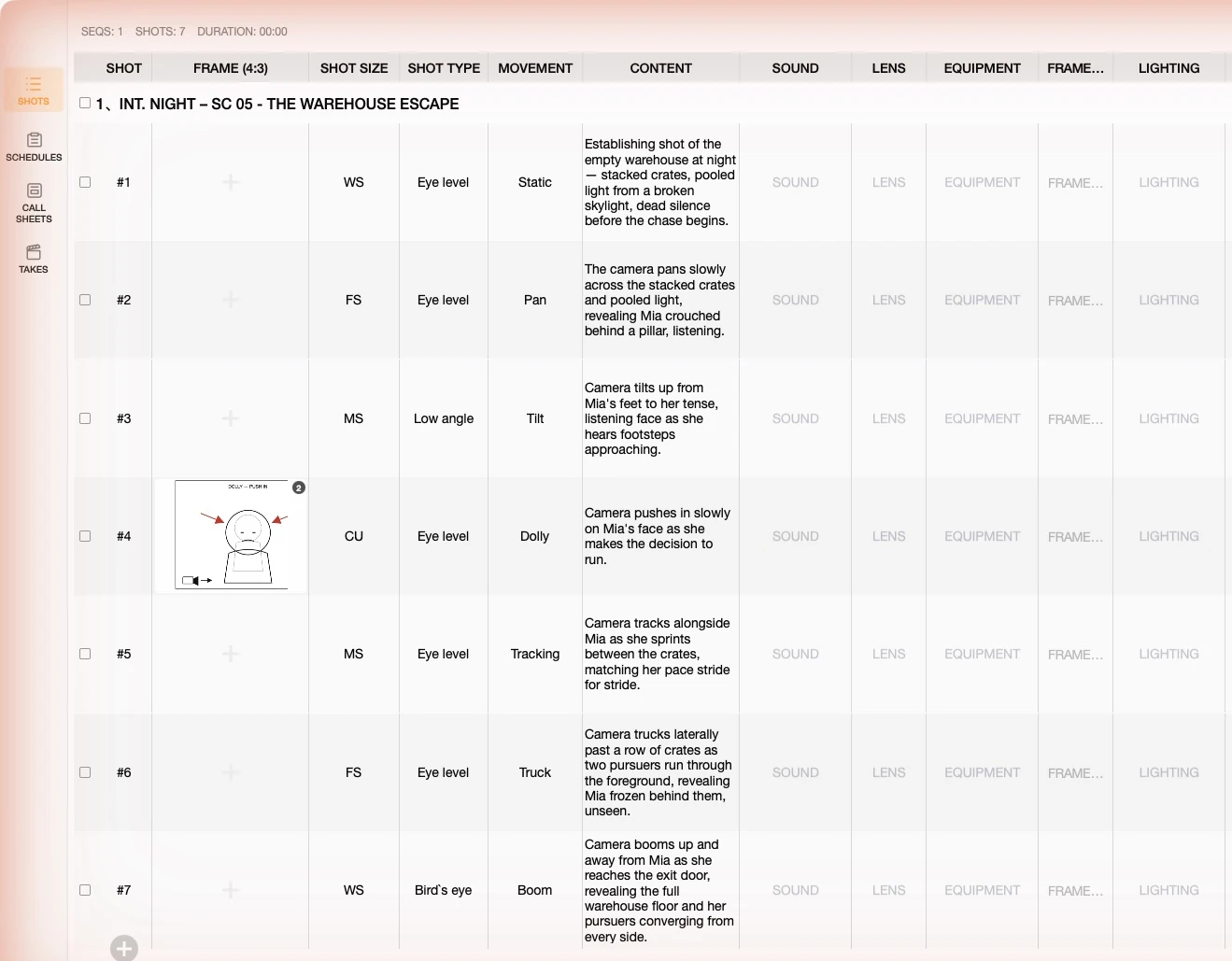
To build this tutorial, we created a demo project in Previs Shot named "Movement Basics Demo," with a sequence titled "SC 05 - The Warehouse Escape" (INT. Night, Location: Abandoned Warehouse). Here's the exact shot list we built, using all seven movements across one escalating scene:
| Shot # | MOVEMENT | SHOT SIZE | Content | Notes |
|---|---|---|---|---|
| #1 | Static | WS | Establishing shot of the empty warehouse at night — stacked crates, pooled light, dead silence. | Baseline stillness |
| #2 | Pan | FS | The camera pans across the crates, revealing Mia crouched behind a pillar, listening. | Reveals character |
| #3 | Tilt | MS | Tilts up from Mia's feet to her tense, listening face as she hears footsteps. | Connects detail to reaction |
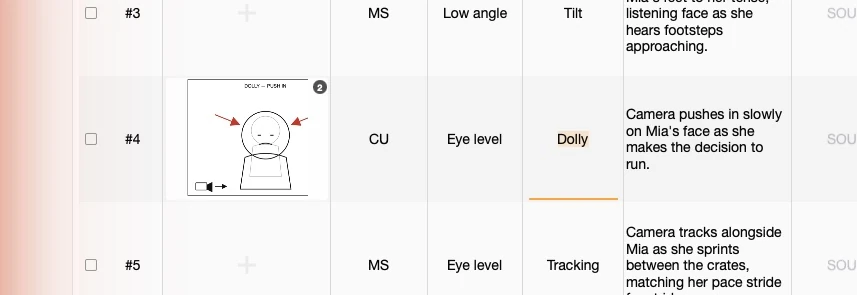
| #4 | Dolly | CU | Pushes in slowly on Mia's face as she makes the decision to run. | Emotional turning point |
| #5 | Tracking | MS | Tracks alongside Mia as she sprints between the crates. | Shared pace, urgency |
| #6 | Truck | FS | Trucks past a row of crates as pursuers run through the foreground, revealing Mia hidden behind them. | Spatial tension |
| #7 | Boom | WS | Booms up and away from the exit door, revealing the full warehouse floor and pursuers converging. | Closing beat, full stakes |
Building this in Previs Shot, step by step:
- In the SHOTS view, create a new sequence and rename it to describe the scene (we used "SC 05 - The Warehouse Escape", with Location set to "Abandoned Warehouse").
- Add seven shot rows. In each row's MOVEMENT column, set Static → Pan → Tilt → Dolly → Tracking → Truck → Boom in order, and fill in the matching SHOT SIZE for each row as shown above.
- Fill in the CONTENT column for each row with a short description of the action, as shown in the table above.
- Open each shot's FRAME and sketch or import a reference showing the direction of travel — arrows for push/pull, pan, and truck moves make the intended motion unambiguous to the whole crew.
- Once complete, the sequence becomes a movement plan that clearly shows how the camera's relationship to the scene escalates alongside the story.
Below are actual screenshots from this demo project inside Previs Shot:
4.5 Fitting Into the Full Production Workflow
Planning movement in SHOTS is just the first step. Previs Shot's typical workflow carries that information all the way to set:
SHOTS → SCHEDULES → CALL SHEETS → TAKES
- SHOTS: define shot size, shot type, movement, and frame for every shot.
- SCHEDULES: place shots into the shooting schedule — grouping shots by movement (all the dolly shots, all the crane shots) can save a full rig setup and strike.
- CALL SHEETS: generate call sheets so the grip and camera departments know exactly what rigging each day requires.
- TAKES: log each shot's takes on set.
A shot list with clearly planned movement makes scheduling dramatically more efficient — movement is often the single biggest driver of setup time on set, so grouping by MOVEMENT when you build the shooting schedule can save hours.
5. Tips for Beginners
- Ask "why is the camera moving" before you pick a movement: if you can't answer in one sentence, the shot may want to stay static.
- Match movement speed to emotional intensity: a slow dolly builds dread; a fast one reads as urgent or violent. The same movement type can mean opposite things at different speeds — note the speed in your CONTENT or NOTE field.
- Group shots by MOVEMENT when scheduling: rigging a dolly track or a crane takes real time — shooting every dolly shot back-to-back saves setup and strike.
- Don't stack too many moving shots in a row: a static or locked-off shot between moves gives the audience — and the edit — a place to breathe.
- Study movement in scenes you admire: pause on the moment a shot starts moving and ask what triggered it — that's the fastest way to build an intuitive feel for camera dynamics.
This tutorial is part of the Previs Shot tutorial series. Together with shot size and shot type, movement completes the three axes that define what a shot looks like — and planning all three in one shot list is what makes a previs plan actually production-ready.