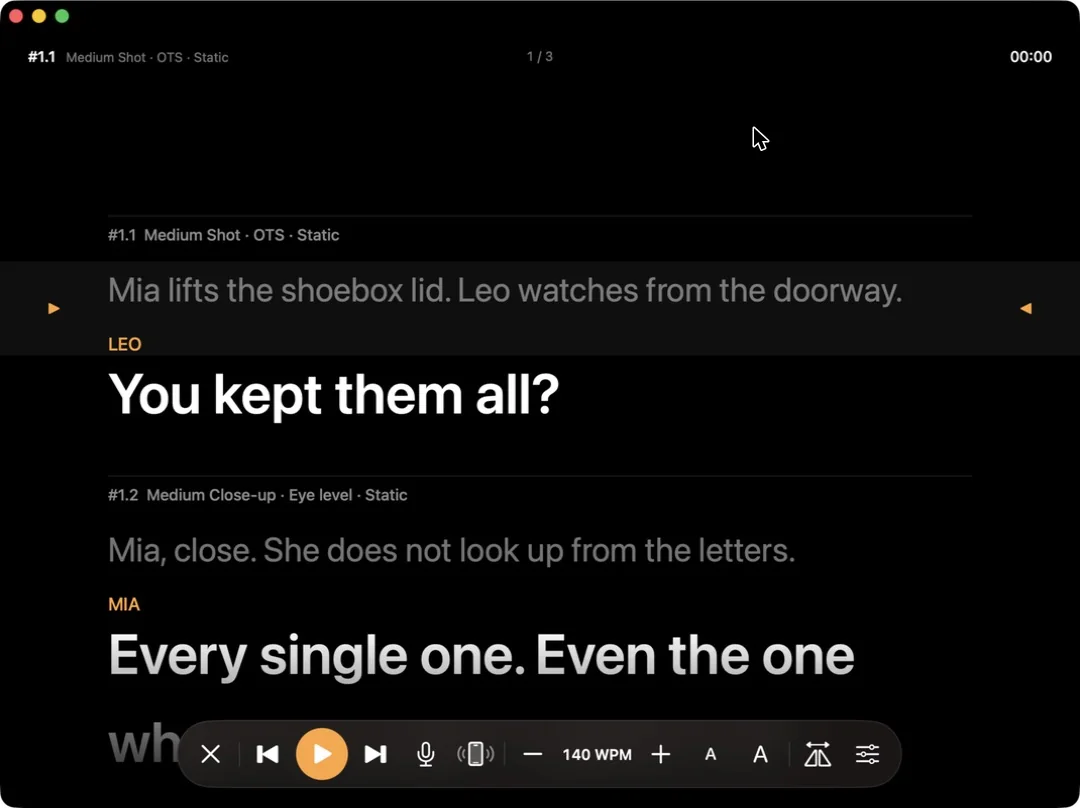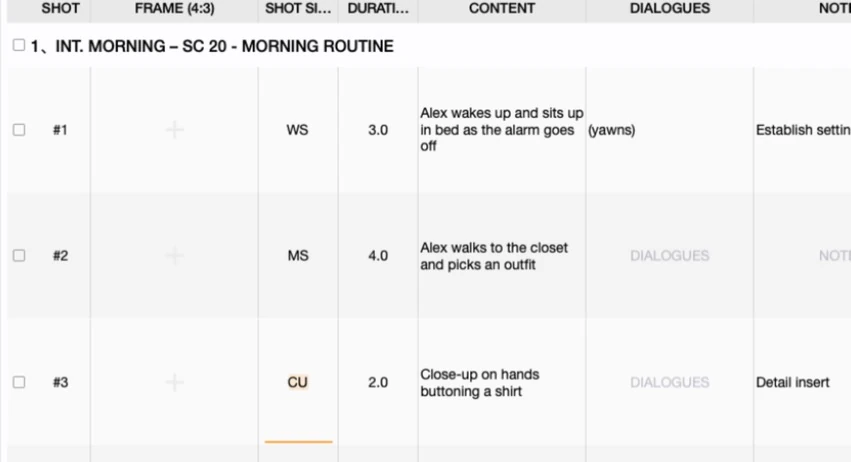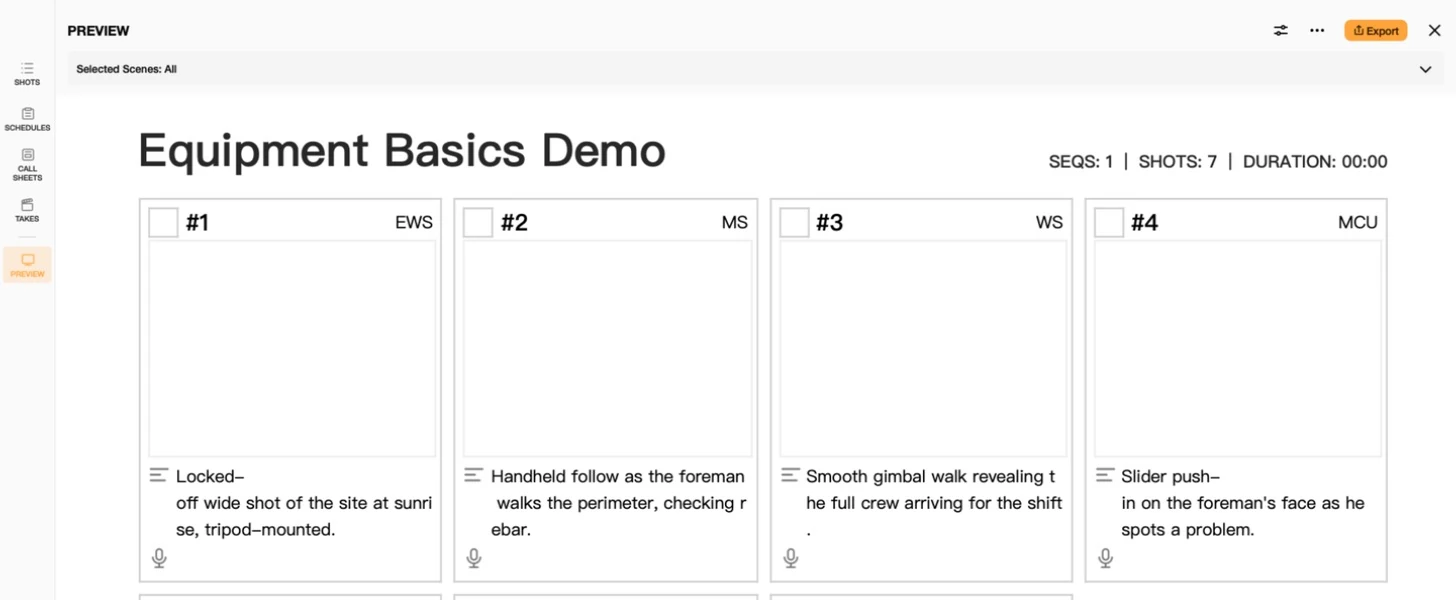

The sidebar's PROJECTS section has three tabs — Local, Preset, iCloud — and it's easy to assume they're just three folders holding the same kind of thing. They're not. One holds your actual projects, one holds backups of those projects, and one doesn't hold projects at all. This tutorial walks through what each tab actually is and how they relate to each other.
1. Local: The Projects You Actually Open and Edit
Local is the real list — every project you create or import lives here, and this is where you do the actual work: adding scenes, filling in shots, building schedules and call sheets. If a project doesn't appear in Local, you can't open it and edit it. Everything else in this tutorial is either a backup of what's in Local, or a template for creating something new in Local.
2. iCloud: A Backup, Not a Second Copy to Work In
Every project in Local backs itself up to iCloud automatically. The iCloud tab lists those backups as folders, each stamped with the date of its last backup rather than a last-edited date:
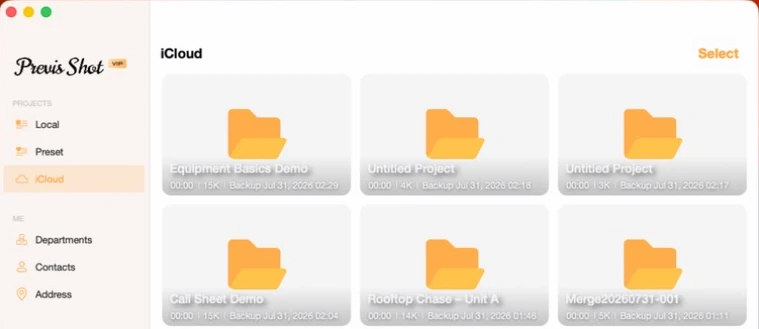
Right-click an iCloud entry and you get two options: Download and Delete. Download is what actually matters, and it's greyed out for any project that still exists in Local — there's nothing to download because you already have it. It only lights up once the local copy is gone, which is the whole point: iCloud exists to get a project back after you've deleted it locally, or lost the device it lived on, not to give you a second live copy to edit in parallel.

3. Preset: Not a Project List at All
The Preset tab looks like it belongs in the same list — same card layout, same sidebar position — but it holds something categorically different: reusable setup templates, not projects with scenes and shots. A preset can't be opened and edited the way a Local or iCloud project can; it can only be used to create a new project that starts with the same columns, frame settings and camera setup already configured. See Preset Basics for the full walkthrough of making and using one.
4. How the Three Fit Together
- Local → iCloud: happens automatically, in the background, as a safety net. You don't manage this directly beyond deleting an old backup you no longer need.
- iCloud → Local: a deliberate Download, and only available once nothing with that project's data exists locally anymore.
- Preset → Local: a deliberate Create Project from Preset, producing a brand-new empty project — never a way to restore or duplicate something that already exists.
5. A Few Practical Notes
- Don't go looking for two live copies. If a project is in Local, its iCloud entry is a backup of it, not a second version you can edit independently — edits only ever happen in Local.
- Deleting from iCloud doesn't touch Local, and vice versa. The two lists are backed by the same underlying data but managed as separate actions — deleting a project from Local doesn't remove its iCloud backup, and deleting the iCloud backup doesn't remove the local project.
- Presets are the odd one out on purpose. If you're expecting a preset to behave like a duplicate-able project, it won't — it only ever produces something new and empty, styled the way you configured it.
This tutorial is part of the Previs Shot tutorial series. For what a preset actually captures and how to make one, see Preset Basics; for combining two Local projects into one, see Merging Projects in Previs Shot.